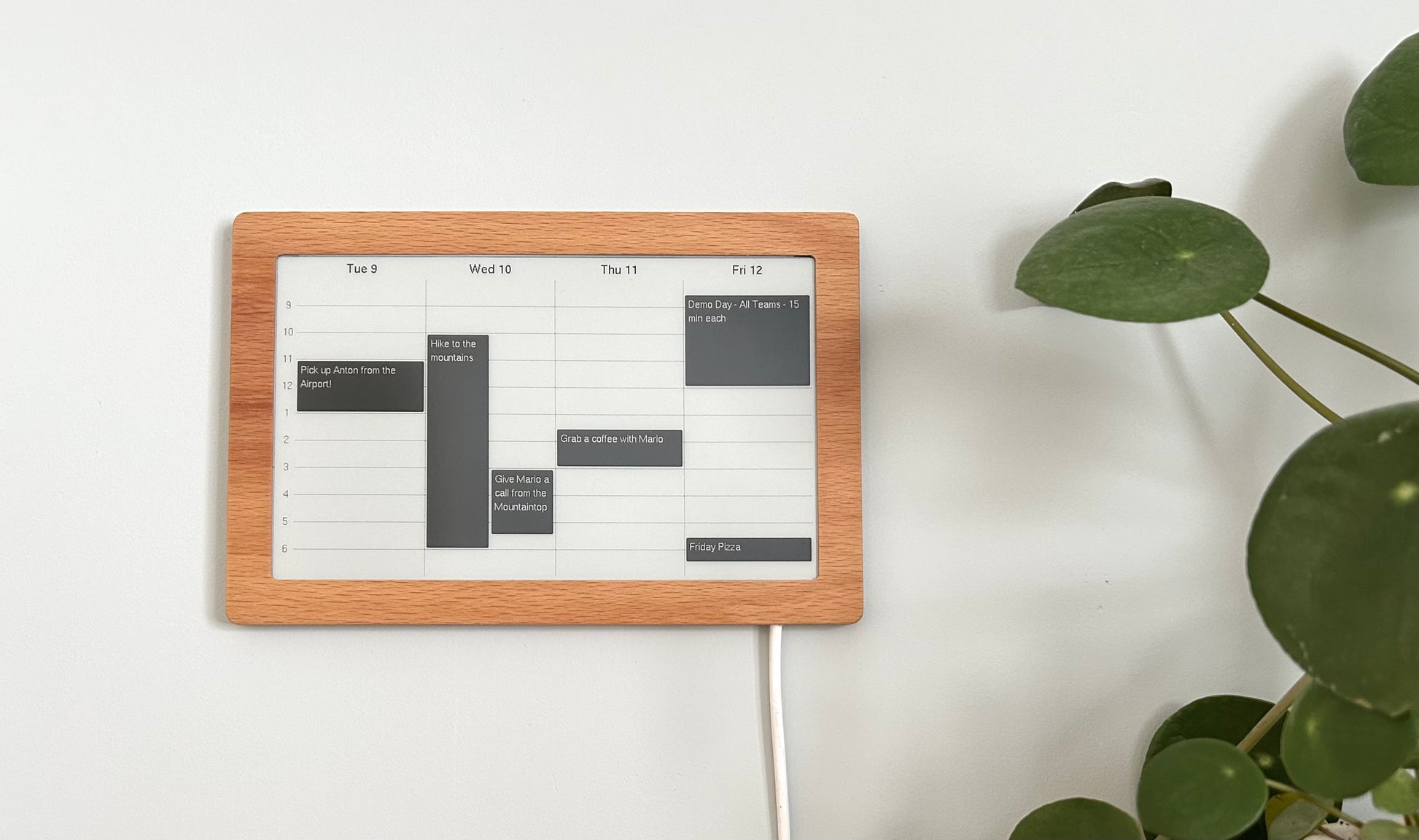
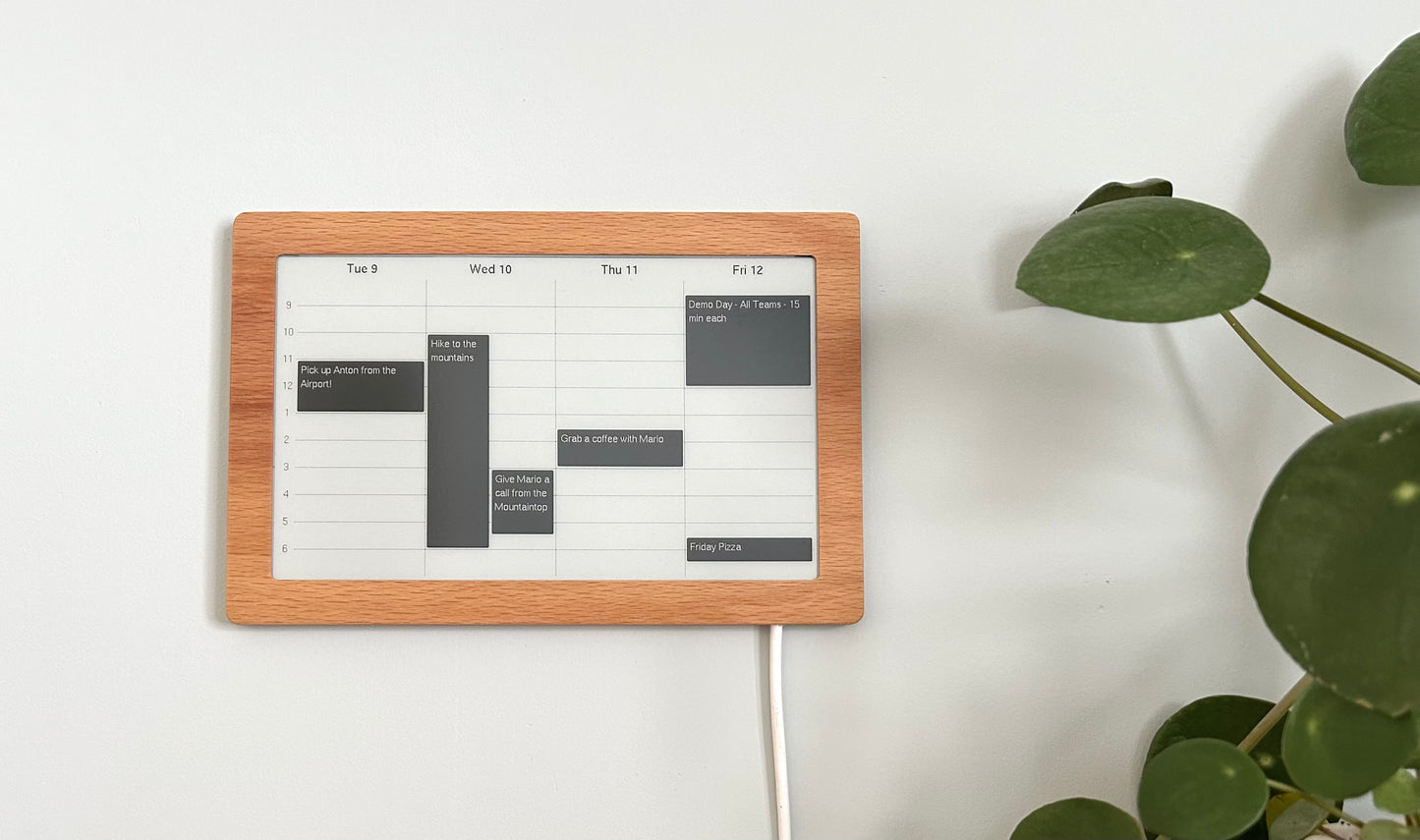
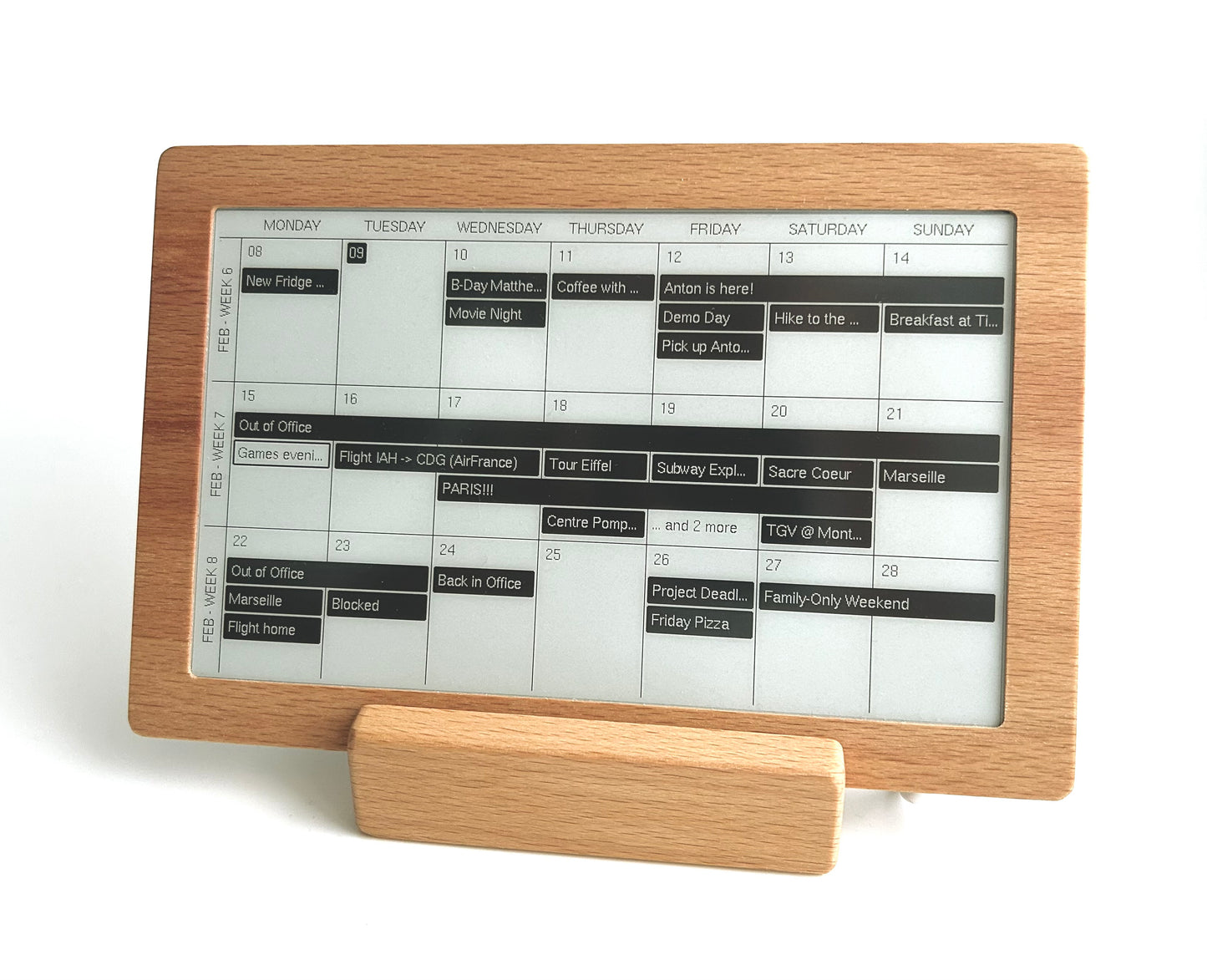
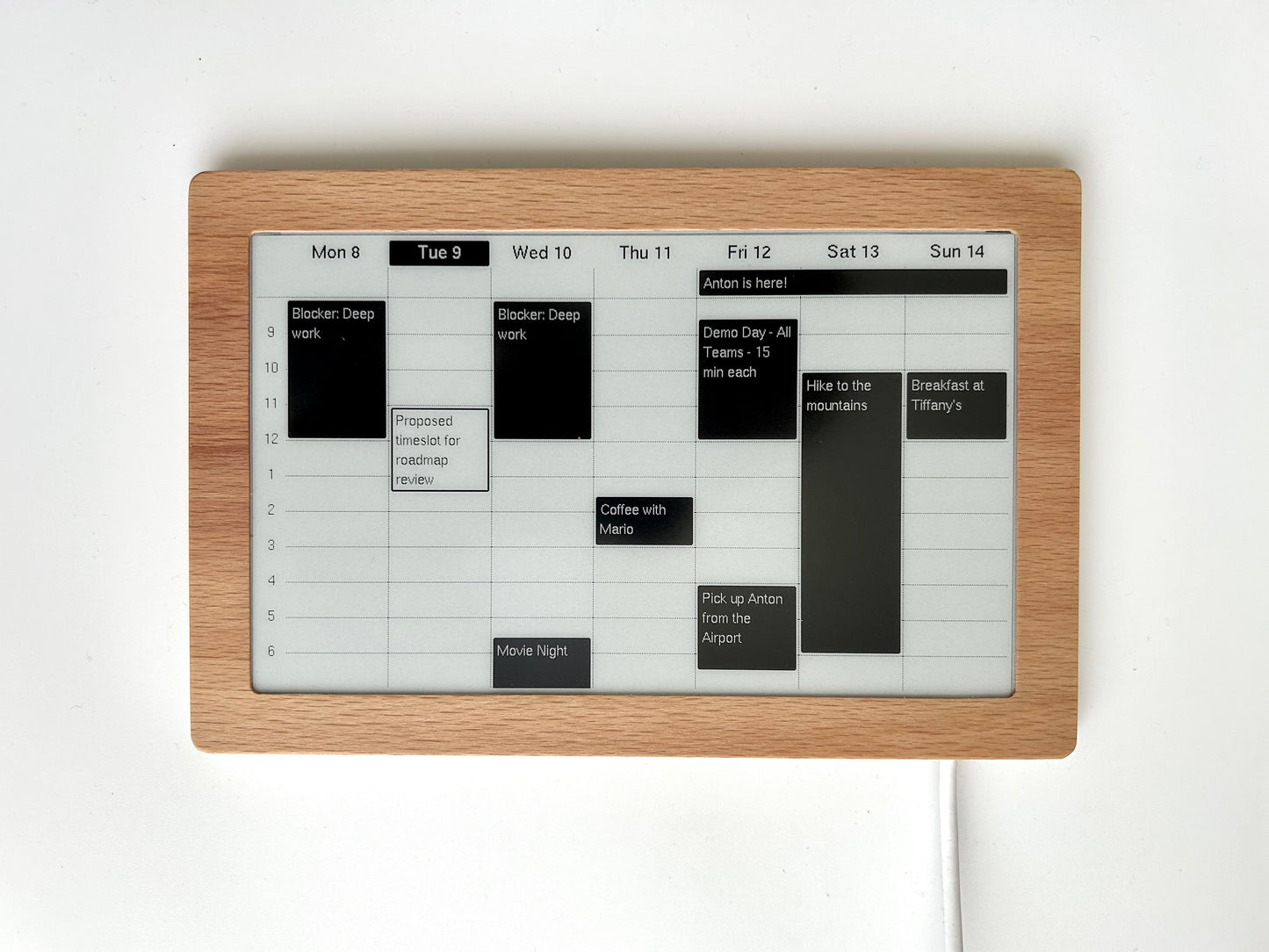
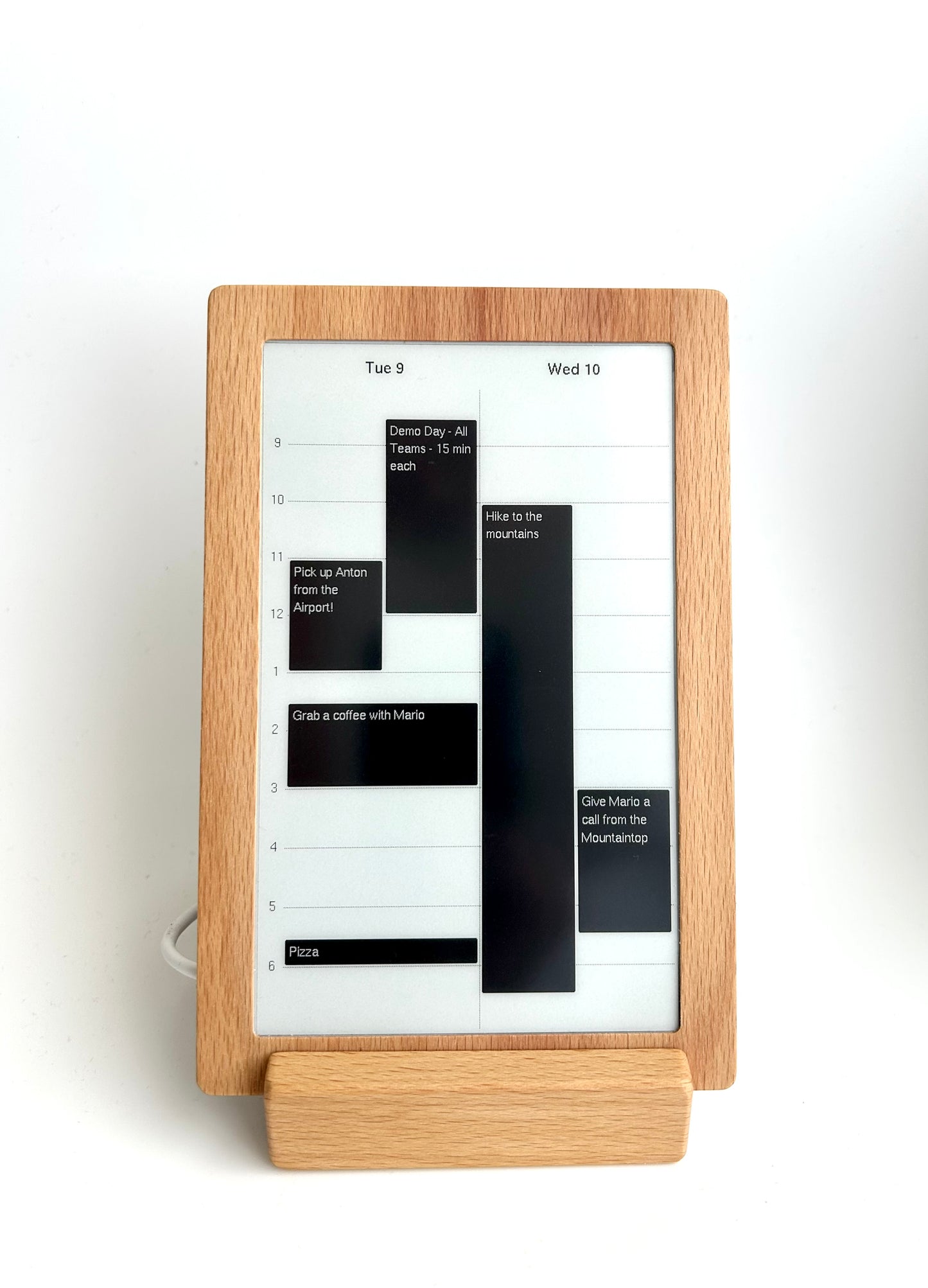
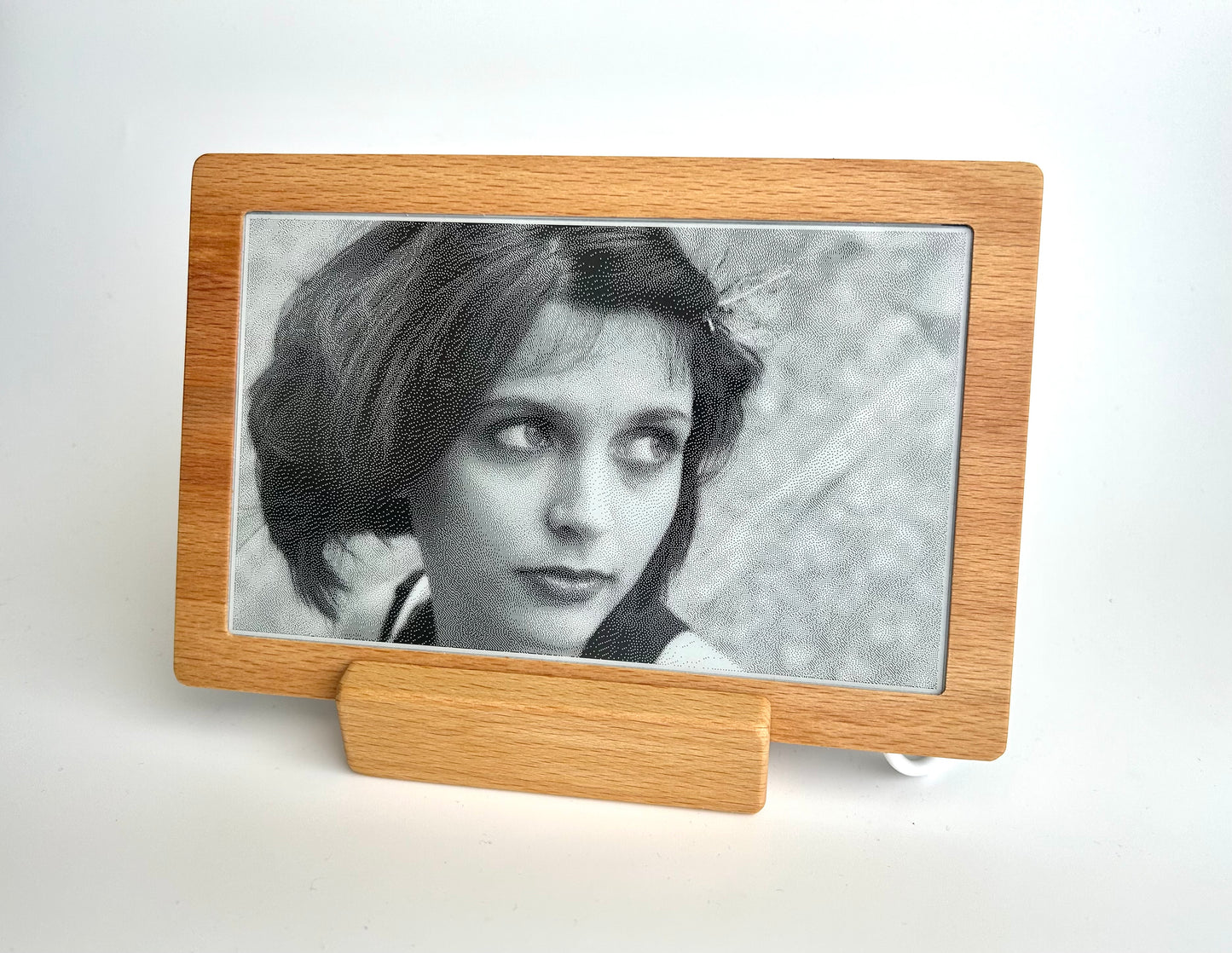
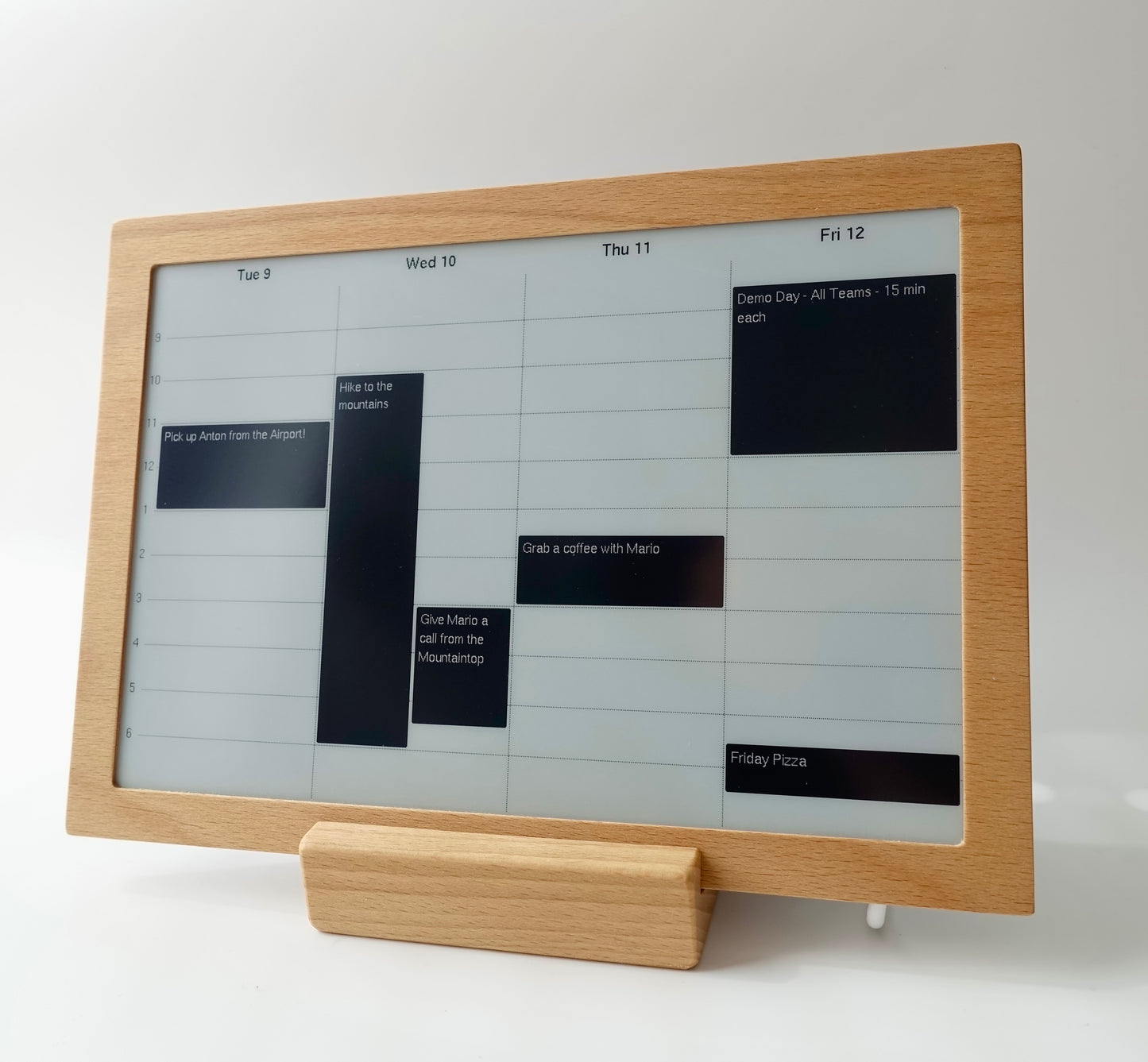
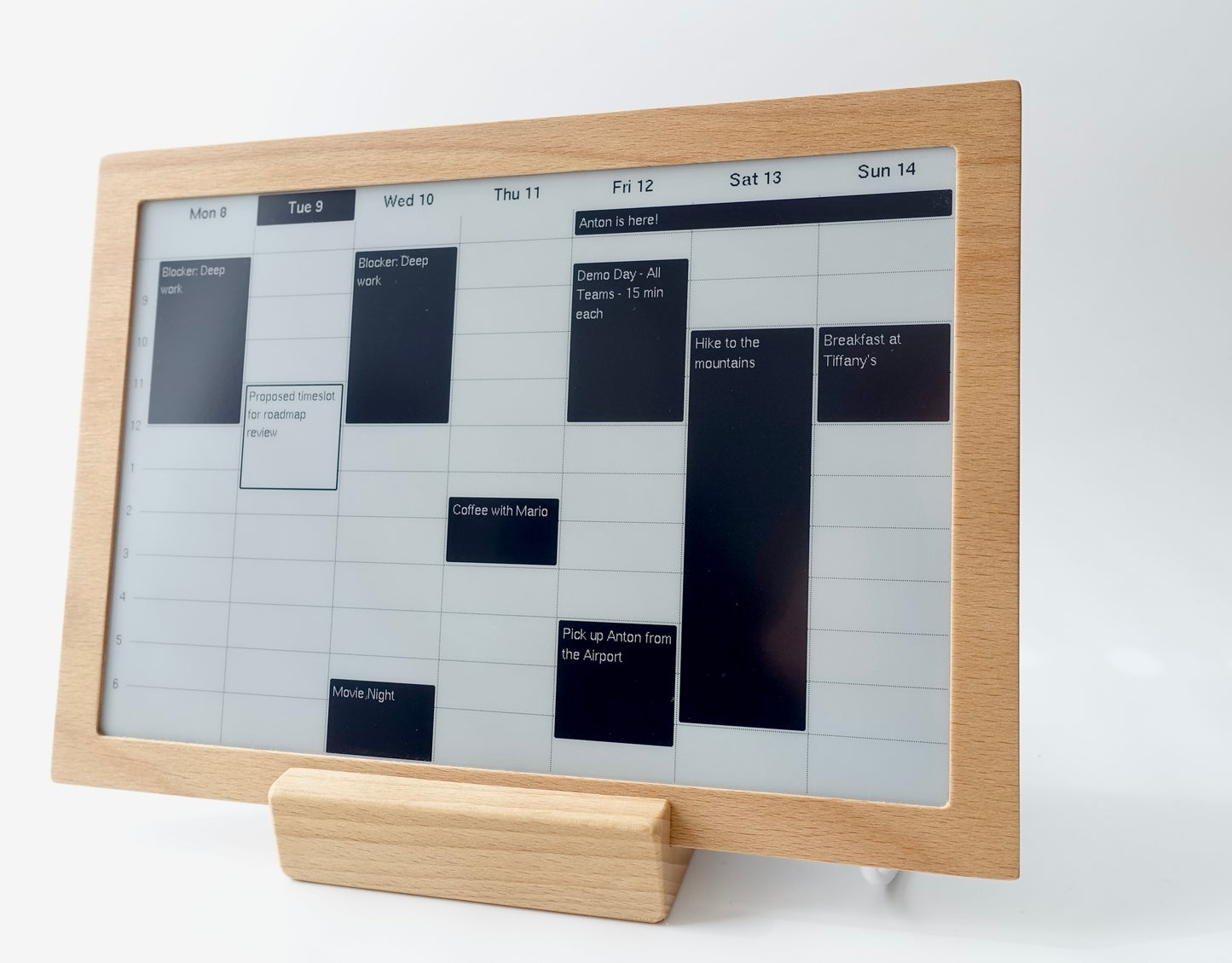
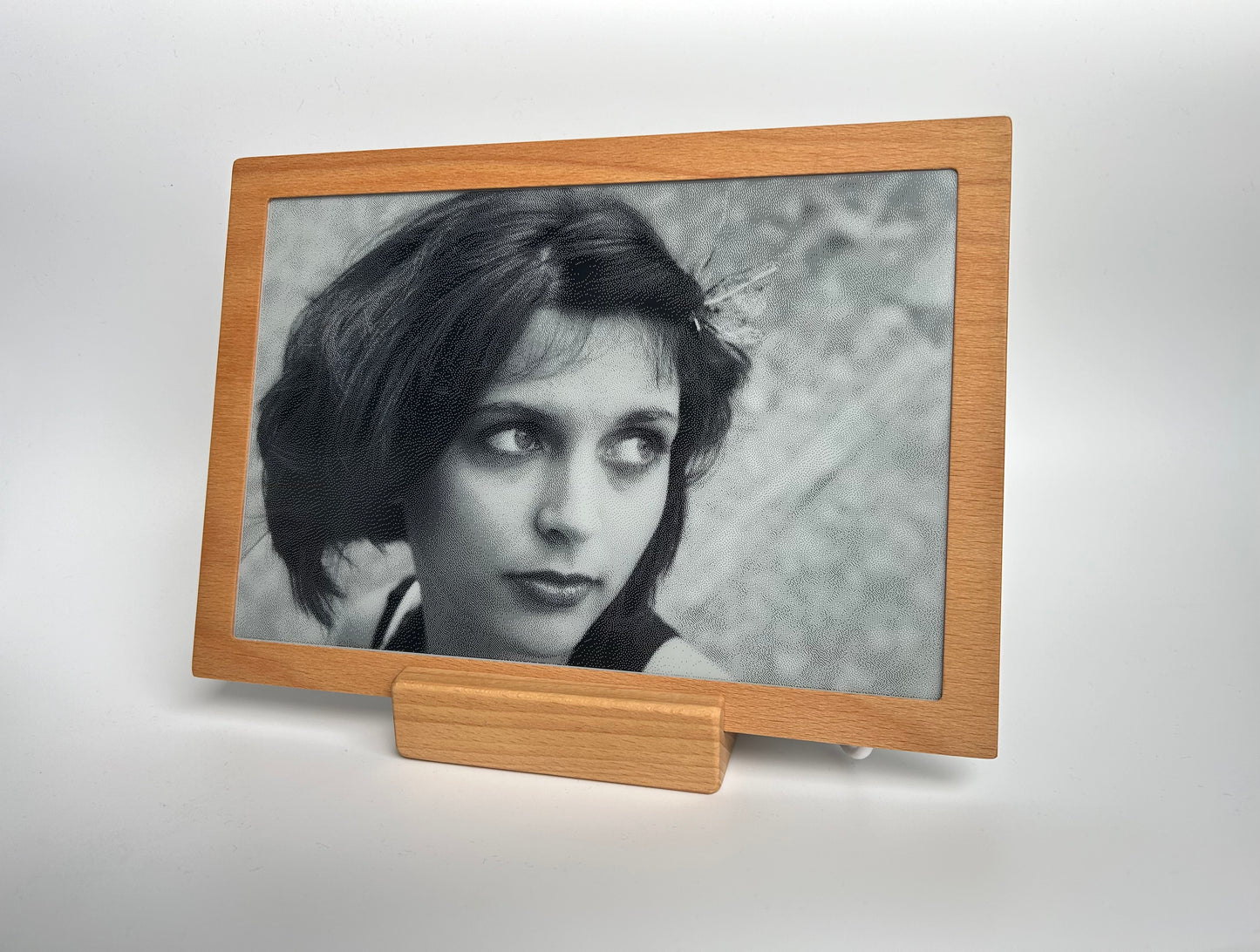
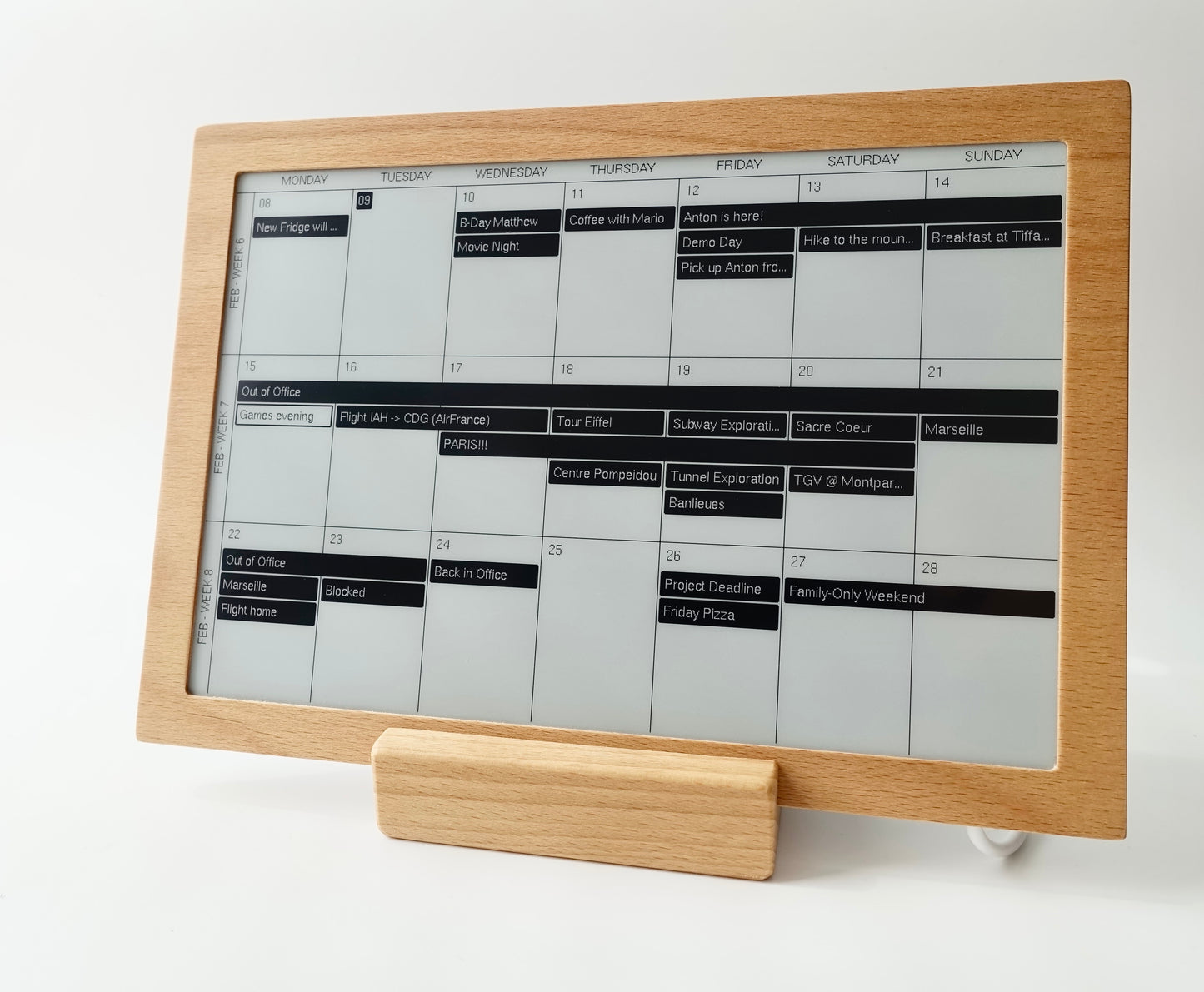
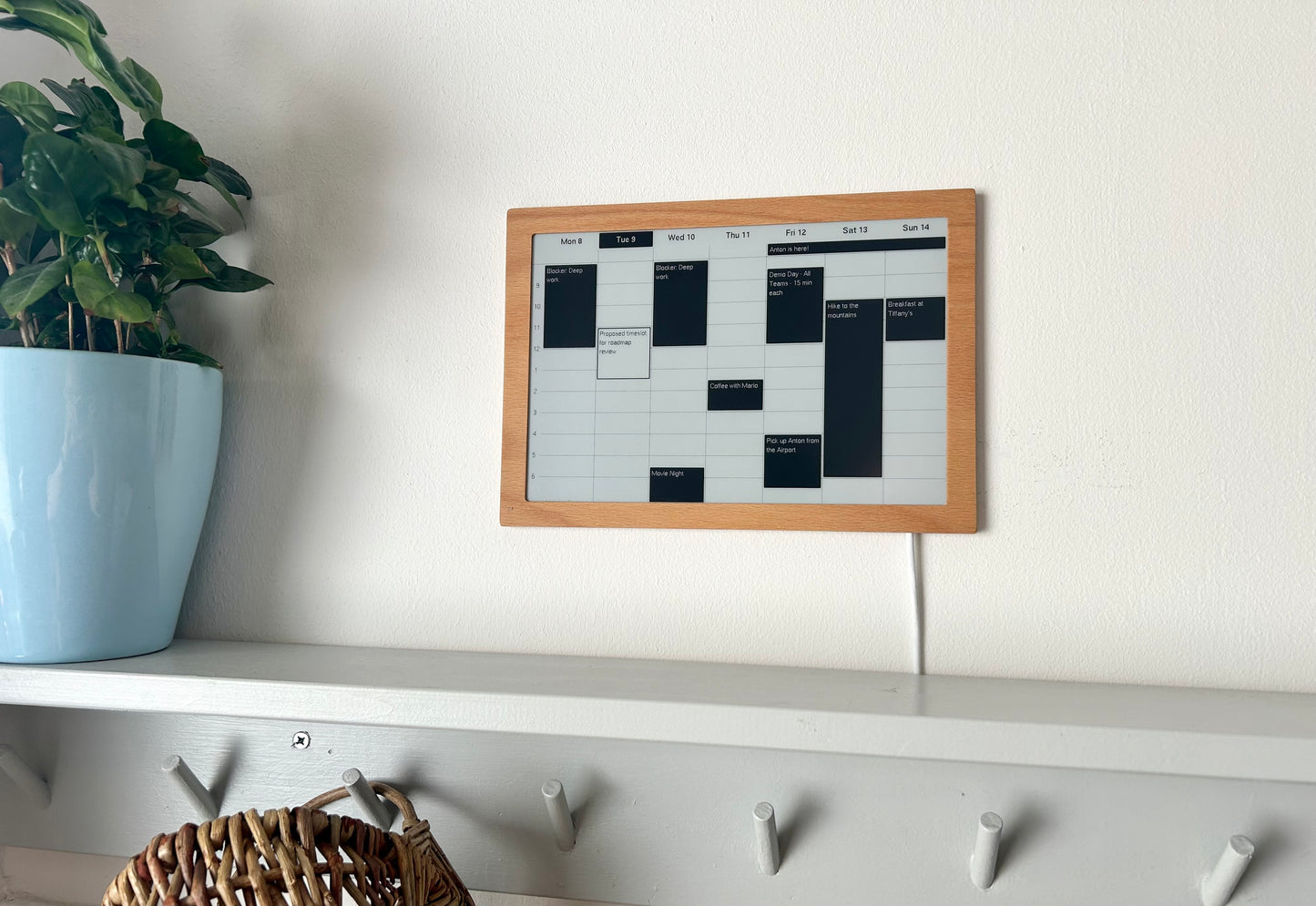
The Invisible Display can be pointed at a server on your own local network. For example a Raspberry Pi or a desktop computer on your network. The display will query the server for an image once a minute, and display whatever it receives. Nothing is sent to us, you don't need a user account or a login.
We publish the protocol and a working example server in Python: github.com/Invisible-Computers/local-render-server. This implements the conversion from PNG to the wire format that the display expects to receive.
What you get
Nothing leaves your network. No account. No dependency on a company continuing to exist: if we disappeared tomorrow, the hardware on your wall would keep displaying exactly what your own server renders for it.
What you need to do
Since the normal apps (calendar, signage, ...) get rendered on our cloud servers, a display in local server mode will not be able to use them - instead, you will need to render on your server the full image that the display should show.
While a display is in local mode it does not receive firmware updates from us, since it never contacts our service. Setting it up against our service again brings it back up to date.